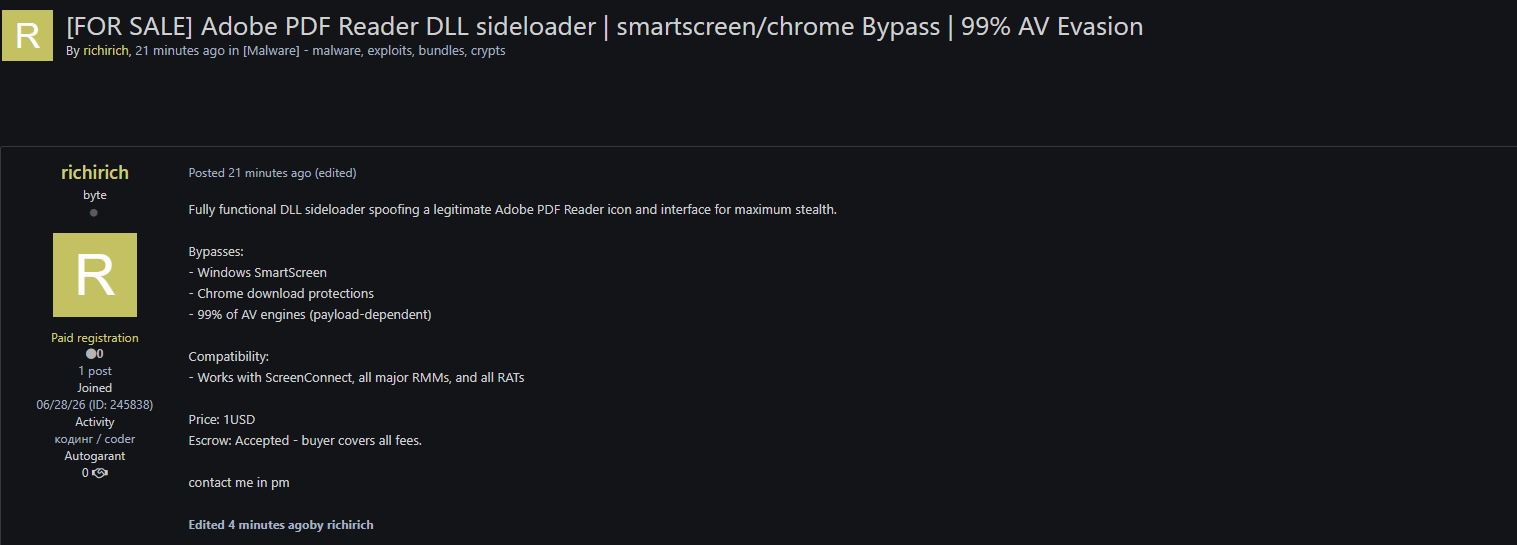
Defensive Detection and Threat Hunting
Defenders cannot rely on standard file monitoring alone to detect this class of threat. Instead, security operations centers must deploy behavioral detection logic that monitors the relationships between executing processes, loaded modules, and network connections.
Behavioral Detection Logic
Monitoring the load events of critical system files is highly effective. A legitimate Adobe process running from its standard installation directory under Program Files will load system DLLs from System32. If an Adobe process is running out of a user-writable path such as %TEMP% or %APPDATA% and loads a DLL from that same non-standard directory, it is a high-confidence indicator of a DLL sideloading attack.
Below is a specialized Microsoft Sentinel KQL query designed to intercept these anomalous behaviors:
DeviceProcessEvents
| where FolderPath has_any ("Temp", "Public", "Users\\", "Downloads")
| where ProcessVersionInfoOriginalFileName in~ ("AcroRd32.exe", "Acrobat.exe", "AdobeCollabSync.exe")
| join kind=inner (
    DeviceNetworkEvents
    | where RemotePort !in (80, 443)
    | where not(ipv4_is_private(RemoteIP))
) on DeviceId, ProcessId
| project TimeGenerated, DeviceName, FolderPath, ProcessVersionInfoOriginalFileName, RemoteIP, RemotePort
Validation Steps
To validate suspected sideloading attempts, incident responders should execute the following actions:
Path Inspection: Verify the physical execution path of running Adobe processes. Any instance running out of user-writable directories should be treated as highly suspicious.
Signature Verification: Use diagnostic utilities such as Sysinternals Sigcheck to audit the directory of the executing application. Verify if companion DLLs lack valid signatures from the official vendor.
Entropy Analysis: Identify high-entropy files with non-standard extensions in the same execution folder, which often act as the encrypted payload carriers.